 Responsive Miracle
 What is new in WordPress 7.1?
WordPress 7.1 "Mary Lou", released on August 19, 2026, adds responsive styles to the Site Editor, new Tabs and Playlist blocks, private collaboration Notes, HEIC uploads and a faster editor. Update is safe for most sites: back up, update your theme and plugins first, then core.
Best for: site owners deciding whether to update now, and anyone checking if their theme is ready for 7.1
WordPress 7.1 “Mary Lou” arrived on August 19, 2026. Within a week, it became the fastest-rising WordPress search of the month. The release honors jazz pianist Mary Lou Williams. More importantly, it changes how you style, edit and manage your site.
In this guide, we break down the new features in WordPress 7.1. After that, we show you how to update without breaking your theme.
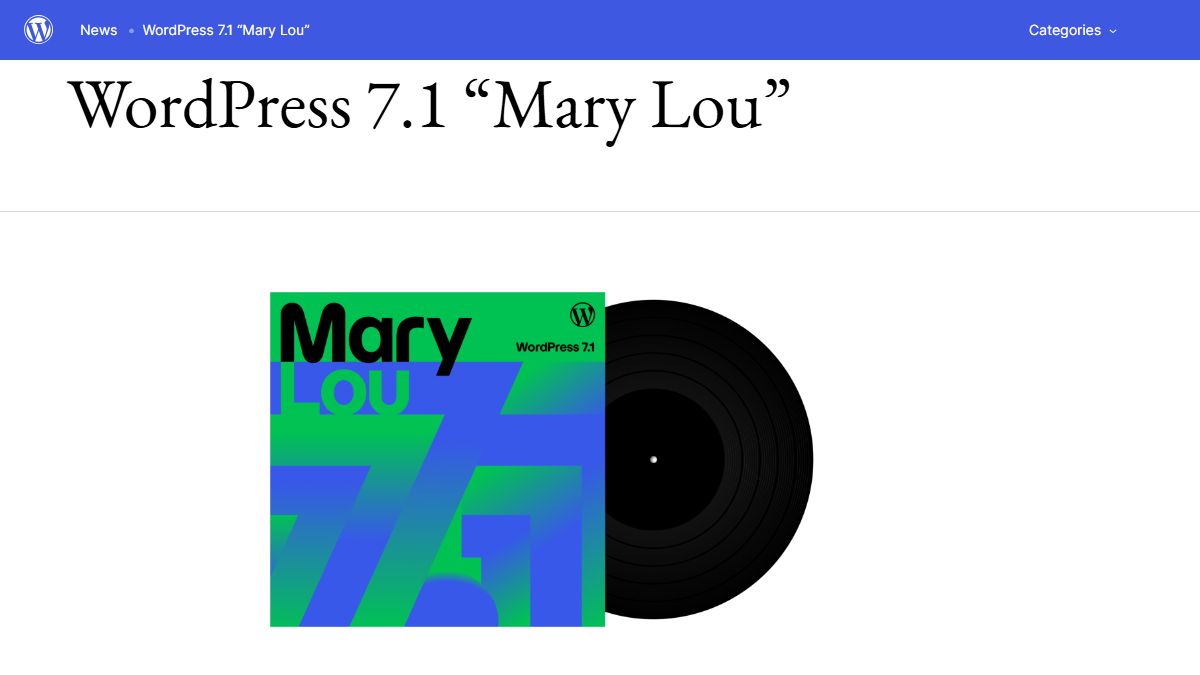
What’s new in WordPress 7.1
Responsive styles in the Site Editor
This is the headline feature. Until now, styling a block differently on mobile meant custom CSS or a page builder. Instead, the Site Editor now ships device preview controls. You switch the canvas to tablet or mobile, then flip on the responsive styles toggle. As a result, every change applies only to that viewport. Theme developers can also define custom breakpoints in theme.json.
The signal is clear. Lightweight block themes now do natively what page builders bolt on. Consequently, fast themes like Kadence, GeneratePress and Blocksy keep climbing in popularity.
Two new blocks: Tabs and Playlist
First, the Tabs block organizes content into clickable panels. It is ARIA compliant out of the box, so FAQ sections and product specs no longer need a plugin. Second, the Playlist block handles audio collections with artwork and waveform visualization. If you run a music or podcast site, this block replaces a whole category of plugins.
Private Notes for teams
Editorial teams get the biggest workflow upgrade in years. You can now leave inline notes on specific text selections. In addition, each block supports multiple conversation threads, @mentions and email notifications. Notes stay private, because WordPress excludes them from public comment feeds.
A modern media library
Photos from an iPhone finally upload without extra plugins, thanks to native HEIC support. Moreover, uploads now resume after a dropped connection. A dedicated media editor window replaces the cramped inline cropping tool. It adds a magnified crop view, aspect-ratio presets and flip controls. Finally, the Media Library gains infinite scrolling.
A faster editor and smarter admin
WordPress 7.1 preloads the REST API requests the editor needs. Consequently, the post editor opens noticeably faster on large sites. Meanwhile, the admin toolbar now persists inside the Block and Site Editors. The Command Palette also groups its results into recent, matching and suggested commands.
AI groundwork: Guidelines and the Abilities API
Core is quietly building rails for the AI era. The new Guidelines feature controls how AI tools interact with your content. Furthermore, the expanded Abilities API lets AI agents perform structured actions inside WordPress. This matters if you follow our AI WordPress themes coverage.
Will your theme survive WordPress 7.1?
One change can bite: the editor now always runs in an iframe. Therefore, themes and plugins need Block API v3 compatibility. Well-maintained products shipped fixes long ago. However, abandoned ones may glitch inside the editor. Frontend rendering of classic themes stays unaffected.
Here is the safe way to update:
- Back up first. Save both your files and your database.
- Check what your site runs. Our free WordPress Theme Detector shows any site’s active theme and version in seconds.
- Update your theme and plugins. Only then update core.
- Replace abandoned themes. If yours has not seen an update in years, browse our theme collections for a maintained alternative. Alternatively, have us build a custom theme that is yours forever.
For the full technical changelog, see the official WordPress 7.1 release announcement.
WordPress 7.1 — quick answers
When was WordPress 7.1 released?
WordPress 7.1 “Mary Lou” shipped on August 19, 2026. The release honors jazz pianist Mary Lou Williams. WordPress traditionally names its releases after jazz musicians.
What are the biggest new features in WordPress 7.1?
The headline features are responsive styles in the Site Editor, the new Tabs and Playlist blocks, and private collaboration Notes. In addition, the media library gains HEIC support and resumable uploads. The editor also opens faster, and the Guidelines feature adds AI controls.
Is it safe to update to WordPress 7.1?
Yes, for most sites. However, back up first and update your theme and plugins before core. The editor now runs in an iframe and requires Block API v3 compatibility. Very outdated plugins may misbehave inside the editor, but frontend rendering stays unaffected.
Does WordPress 7.1 replace page builders?
Not yet, but it closes the gap. Native responsive styles and the Tabs block cover several features that used to require Elementor or WPBakery. As a result, lightweight block themes plus core features have become a genuine alternative for new sites.
Running WordPress 7.1 already? So are we — this site made the jump on day one.

Pingback: WordPress vs Headless CMS in 2026: Honest Comparison - Responsive Miracle